Project Templates Installation
The Ed-Fi Alliance provides a Visual Studio extension that contains project templates for creating Composites, Ed-Fi Extensions, and Profiles. The Visual Studio extension is supported by Visual Studio 2022. Installing the VS extension is useful for many customization needs.
This section describes how to install the Project Templates. It assumes you have Visual Studio installed, and have successfully installed the ODS / API on a development machine per the instructions in the Getting Started - Source Code Installation section of this documentation.
Note that the project templates have been updated for the v5.4 release. Developers using previous versions should uninstall the previous version and install the latest.
Downloads
Installation Steps
The installation steps can be summarized as:
- Uninstall Any Previous Versions
- Download the Ed-Fi Visual Studio Extension
- Close Visual Studio
- Install the Templates
- Verify Install
Detail on each step follows.
Step 1. Uninstall Any Previous Versions
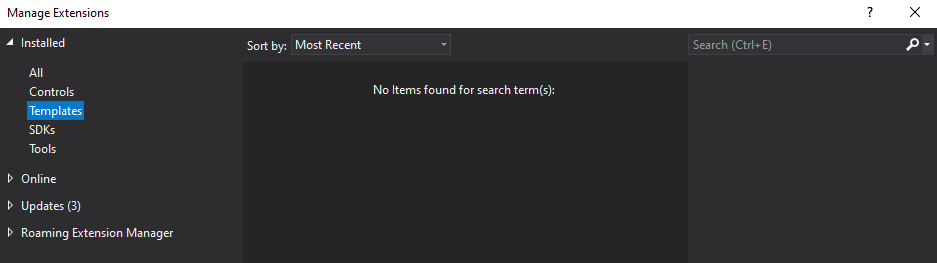
Verify that there are no previous versions of the templates installed under Extensions > Manage Extensions > Installed > Templates. "Uninstall" previous versions of "Ed-Fi Alliance Project Templates".
Step 2. Download the Ed-Fi Visual Studio Extension
Download the Ed-Fi Visual Studio Extension from the download panel above.
Step 3. Close Visual Studio
Close Visual Studio. Ensure you close all instances.
Step 4. Install the Templates
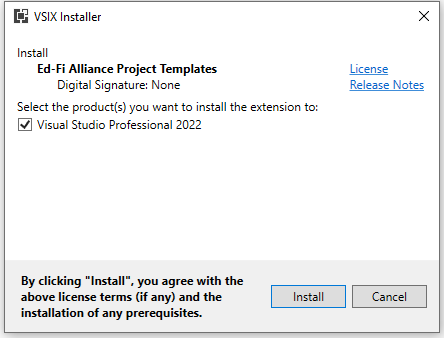
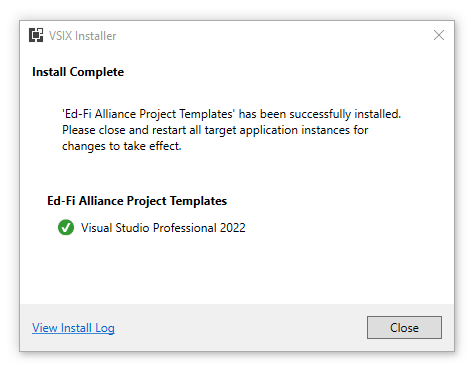
Double-click the downloaded EdFi.ProjectTemplates.Installer.vsix file and install the templates.
Step 5. Verify Install
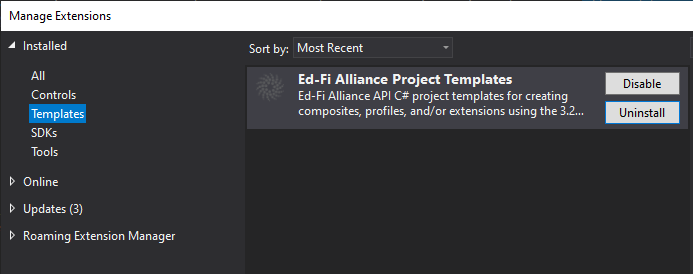
Verify that the extension installed under Extensions > Manage Extensions > Installed > Templates.
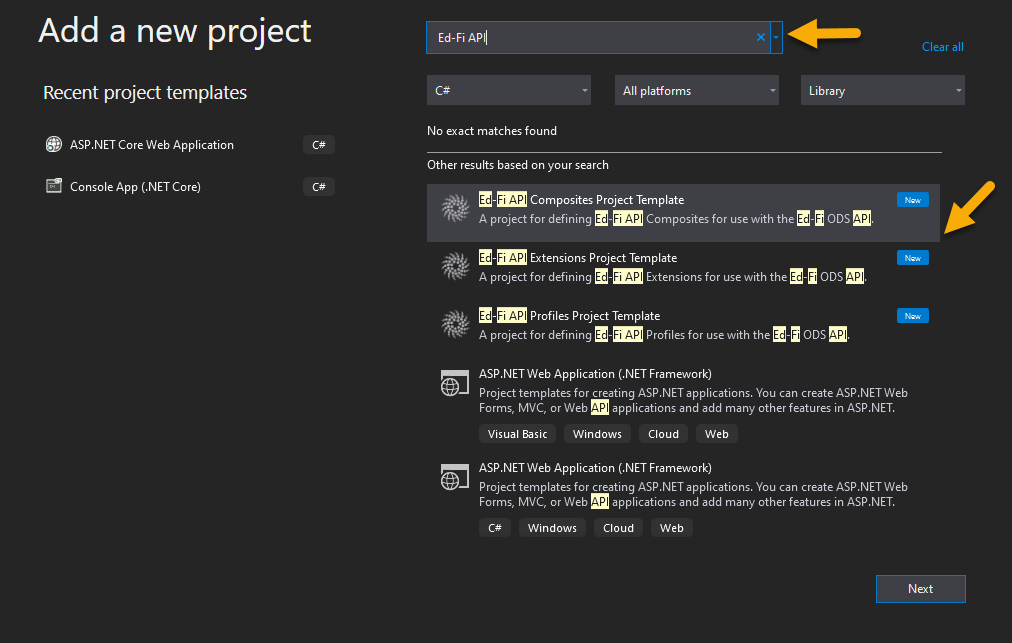
Verify that the templates are available under File > New > Project.
Next Steps
Now that you've installed the templates, you can find information on how to use them in the following articles: